★★★★★
Greatttt ❤️
“9Solver makes homework so much easier! I’m seriously amazed 😍. Just snap a question and boom — clear steps and answers!”Emma Wilson
9Solver AI
Snap a question, get a clear answer, and ask follow-ups until it makes sense. Turn the materials you already use into lessons built for real review.
Five-star feedback from 9Solver users
“9Solver makes homework so much easier! I’m seriously amazed 😍. Just snap a question and boom — clear steps and answers!”Emma Wilson
“I used to struggle a lot with word problems, but 9Solver makes it all so easy. I actually enjoy studying now 🤓”Daniel Brooks
“Math, physics, chemistry — this app handles it all! I’m beyond impressed 😮. Even tricky equations? No problem!”Olivia Carter
“Wow, this app is a lifesaver! I love how fast it solves my math problems and explains everything so clearly.”James Bennett
“This is pure magic ✨! I just took a quick pic of a handwritten problem, and it solved it better than my teacher.”Sophia Turner
“Studying on the go has never been this easy. Whether I’m on the bus or in bed, 9Solver is always there to help! 💯”Grace Morgan
“I feel much more confident checking homework for my children now. Take a photo of the question and get the result right away.”Emily Parker
“It feels like having a personal tutor in your pocket! Learning with the app is more effective for me than studying in class.”Michael Reed
SnapSolver
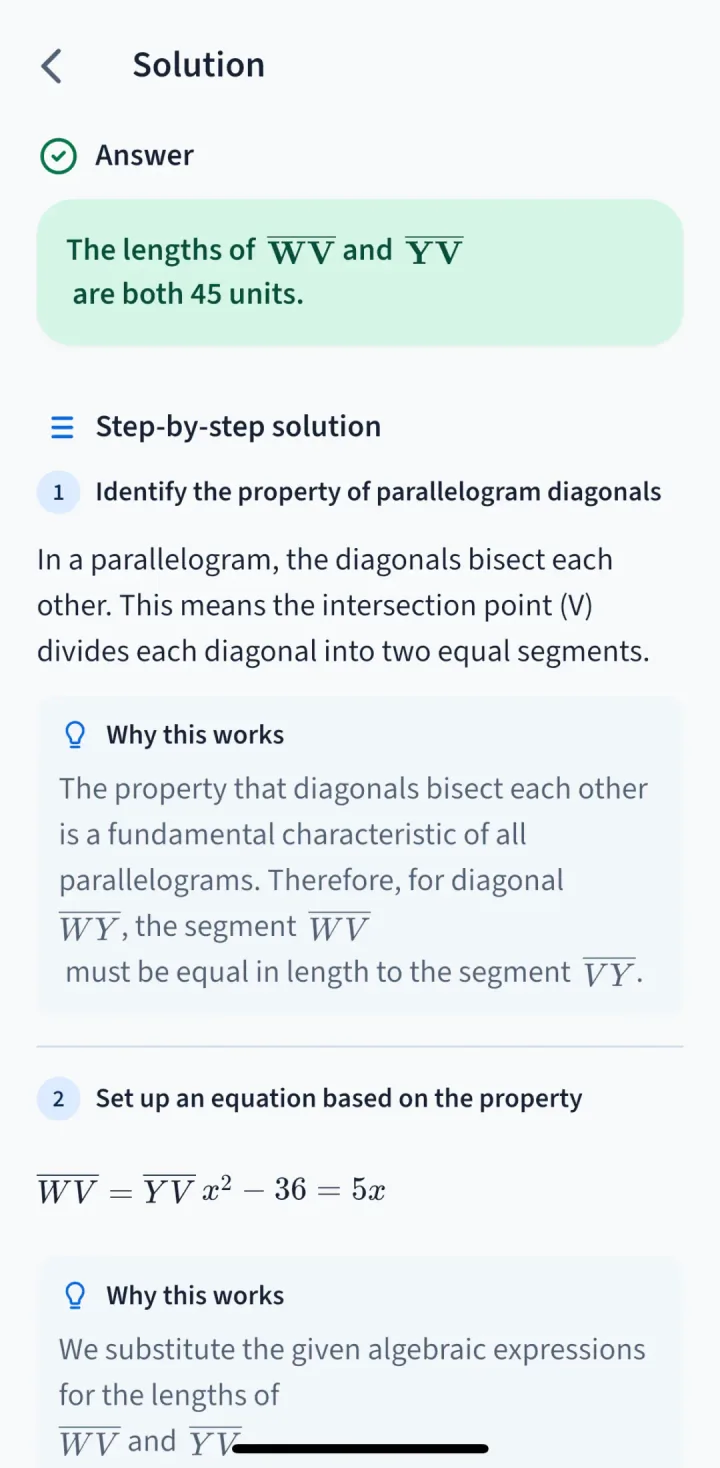
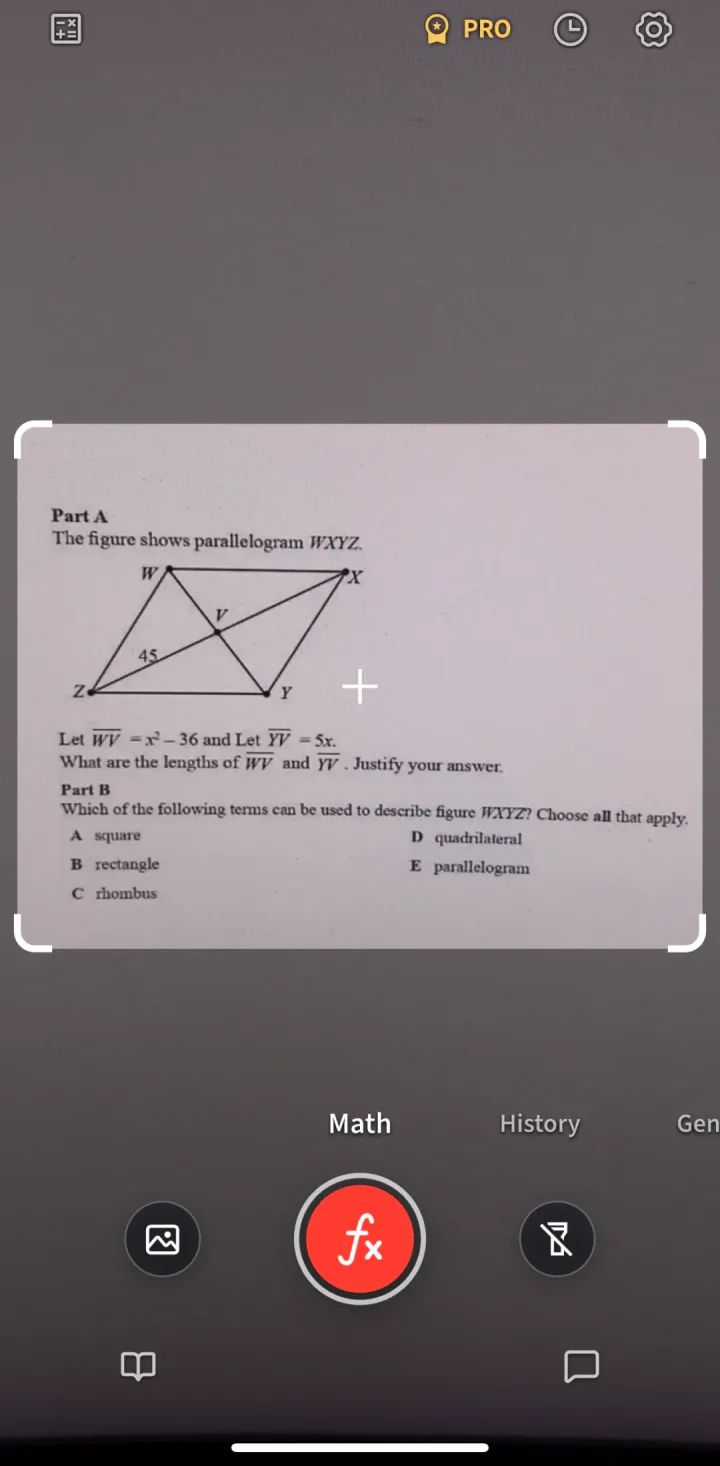
Use the camera or choose an image from your gallery. 9Solver identifies the question, gives the answer first, then helps you understand the reasoning when you need it.
Study Lessons
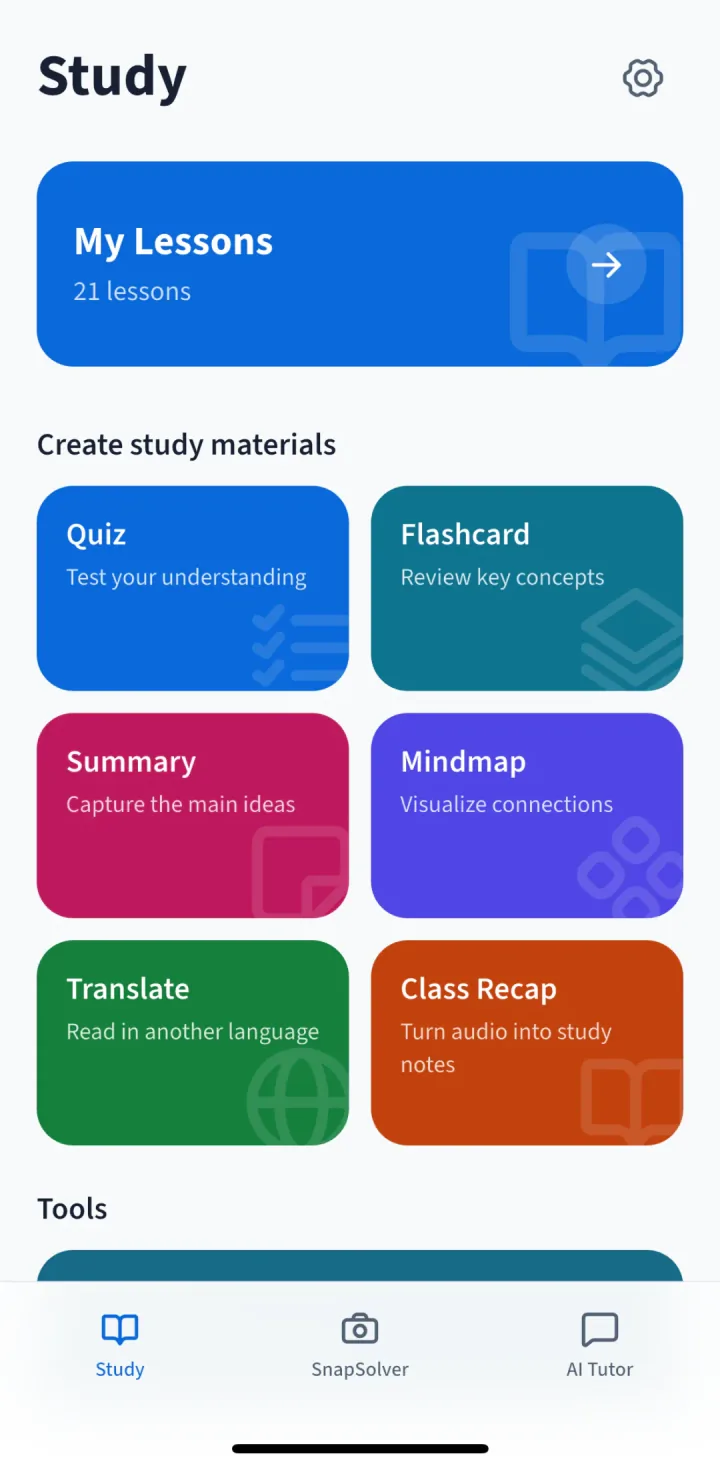
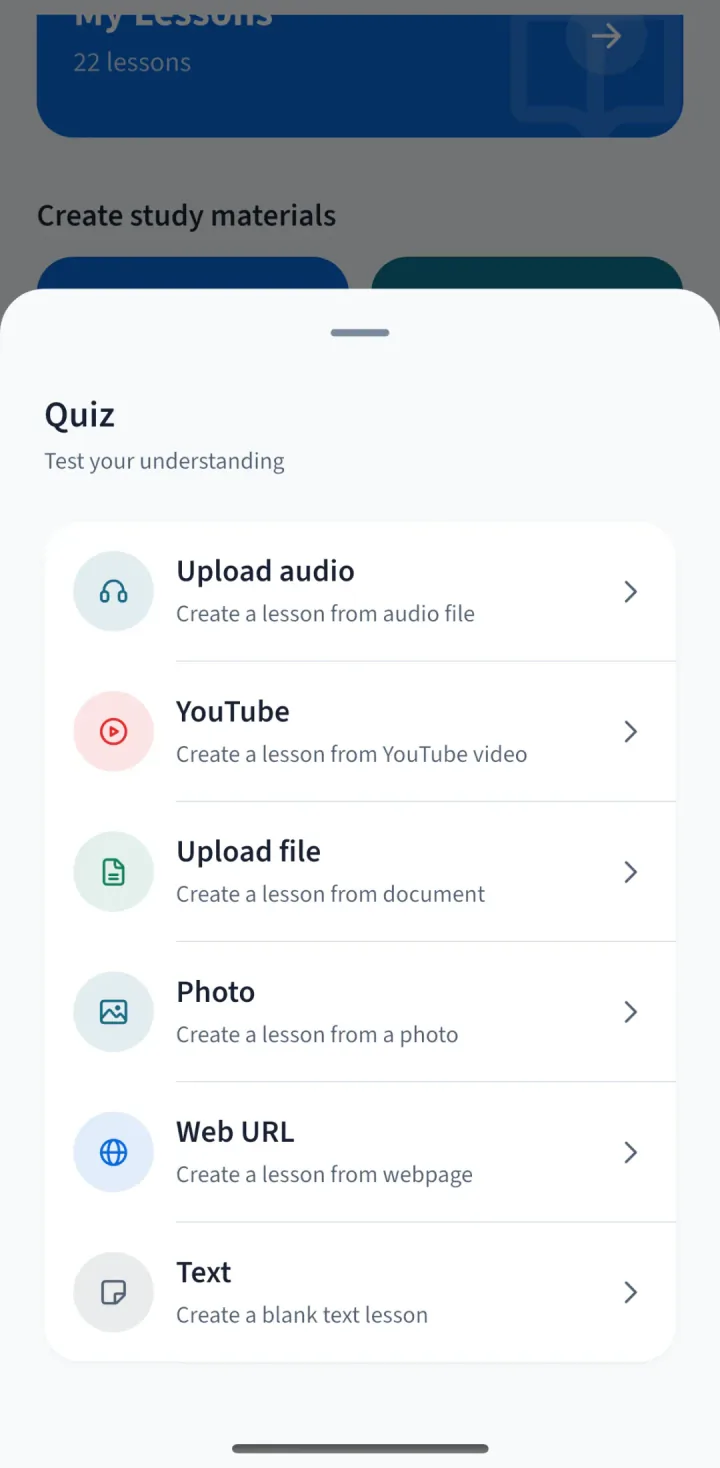
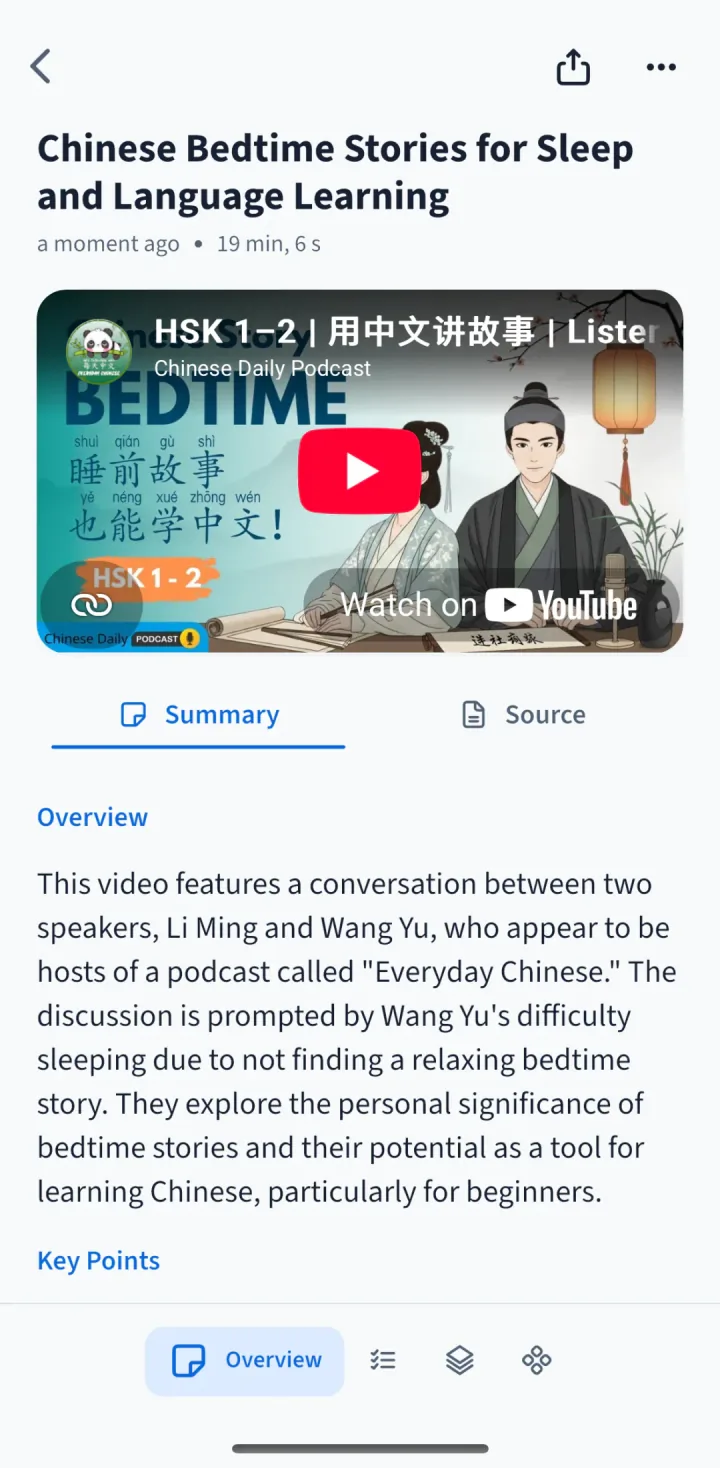
Bring in a PDF, YouTube video, photo, web page, pasted text, or lecture audio. 9Solver turns the source into a lesson you can read, review, and practise with.
Built for review
9Solver is designed for the moment after a question is solved too: review ideas, test understanding, and keep your study material in one place.
Return to core ideas, definitions, formulas, and examples without rereading the entire source.
Move beyond passive reading with lightweight questions and cards for active recall.
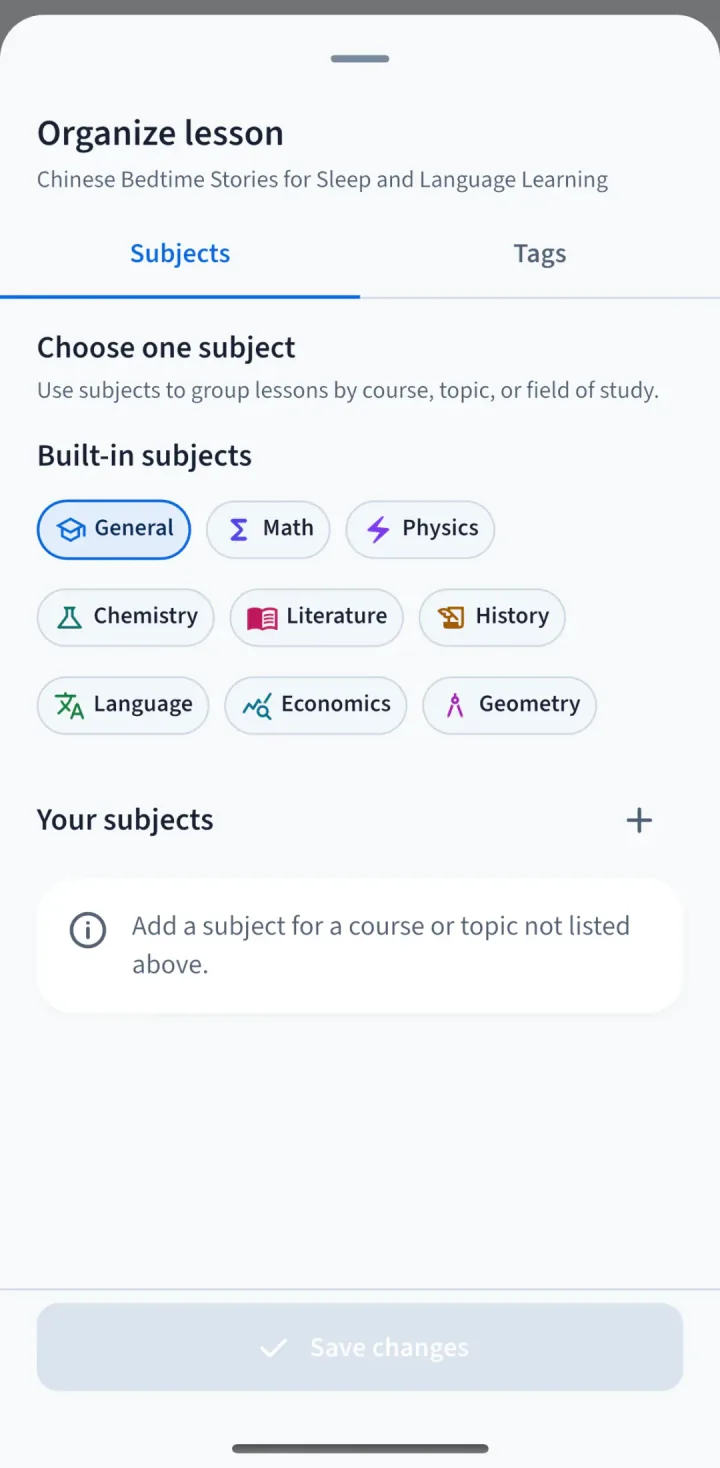
Sort materials by the course or topic that makes sense for your own study routine.
AI Tutor and Calculator
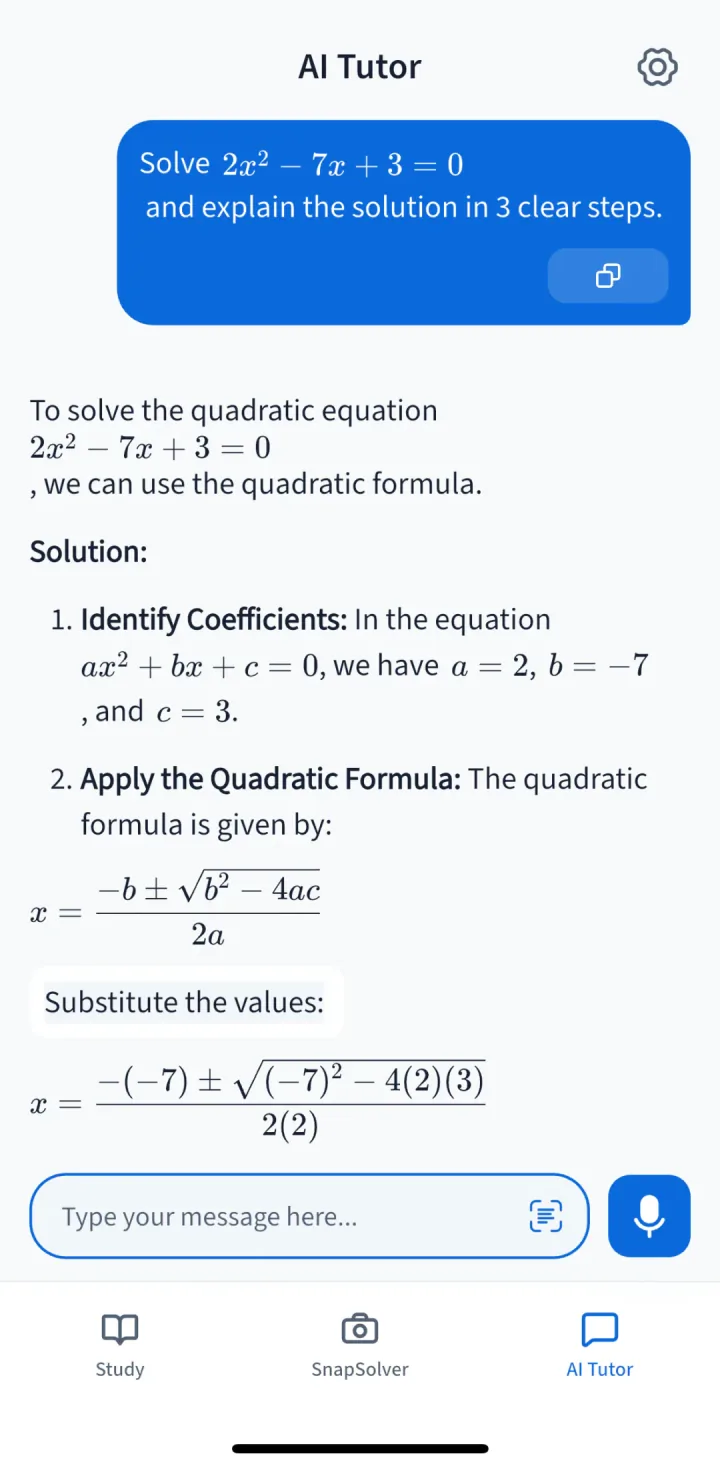
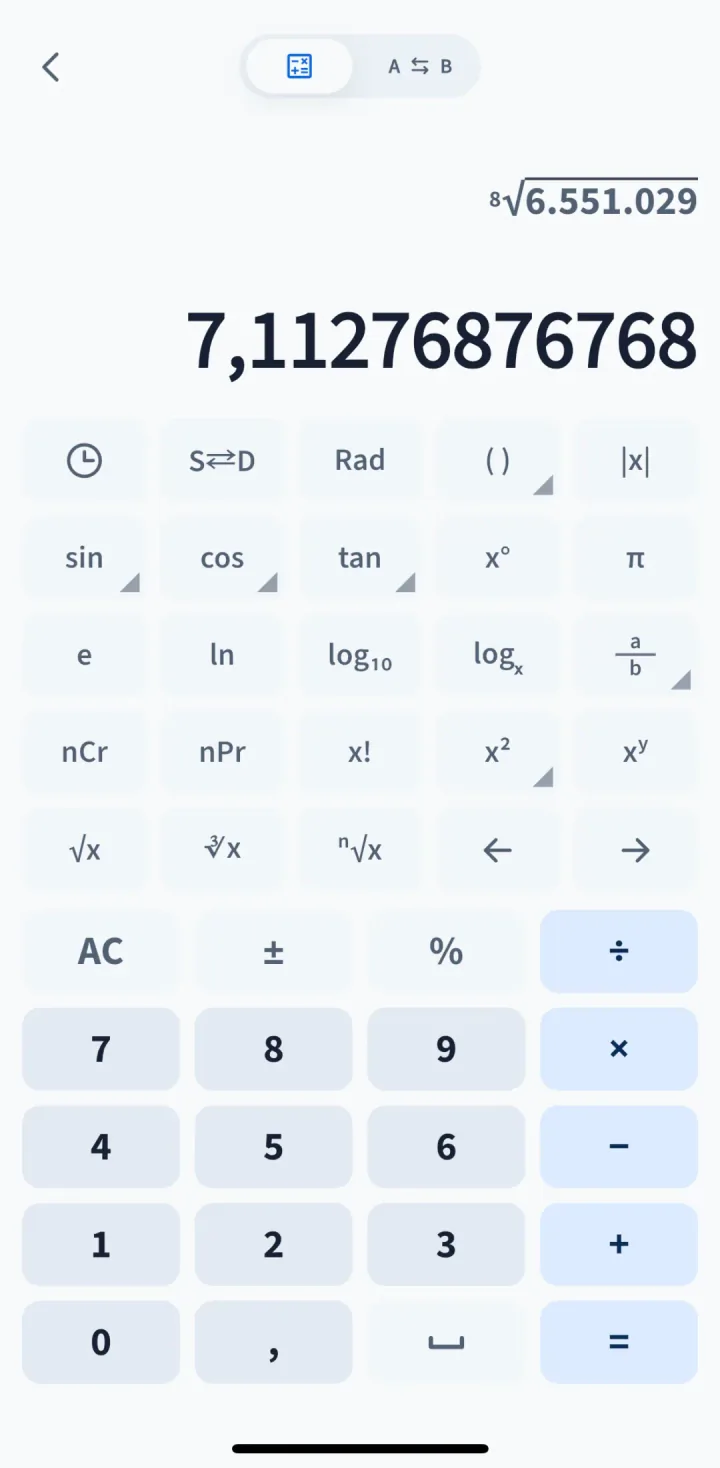
Type or paste a question into AI Tutor for a clear response that keeps the conversation in context. For calculations, use the built-in scientific calculator without leaving the app.
Inside the app
These are real screens from 9Solver AI, from capturing a question to revisiting a study lesson.
Download 9Solver AI to solve a question, understand the method, and build study material you can return to.
